Using the connector in frePPLe
Important
This page applies to Odoo 19. See this page for earlier versions.
The Odoo integration brings new functionality to the user interface.
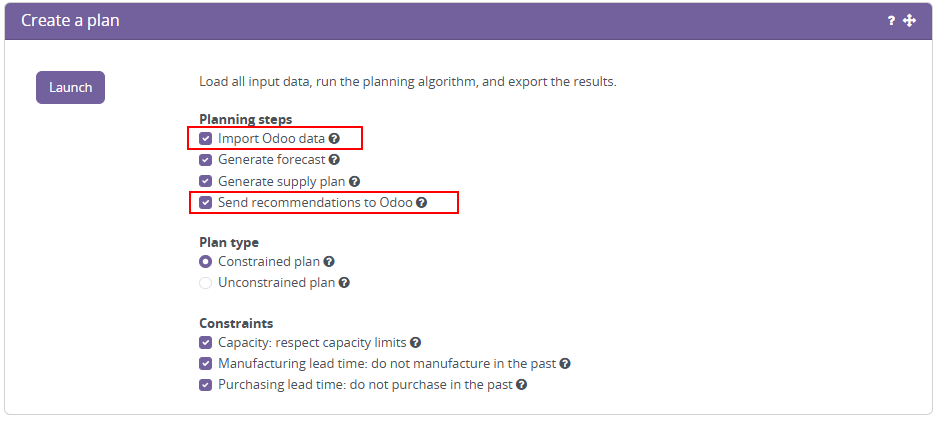
- Plan generation options to “import Odoo data” and “send recommendations to odoo”These options are used to assure the frepple is based on the latest Odoo data, and will publish a list of recommendations to odoo.
- Task “Import data from Odoo”The execute screen has an import data from odoo command that allows to import the Odoo data in frePPLe database.
 We no longer recommend using this task. Instead, you use the “import Odoo data” checkbox in the plan generation task to achieve the same result.
 - Task “Pull all demand history from Odoo”The execute screen has a pull all demand history from odoo command that allows to import all the demand history from Odoo. This command uses the XML RPC API of Odoo and is a one-off command that can be used from a fresh frepple database to pull all the demand history from Odoo. Note that the above Import data from Odoo command will also pull all the demand history among all other master and transactional data. As the demand history can be a very large dataset, it could be convinient to first use the Pull all demand history from Odoo command and then use the odoo.delta parameter with the regular Import data from Odoo command.

- Task “Export data to Odoo”The plan exported to Odoo is a subset of the plan which passes certain filter conditions. The remaining part of the plan can only be exported manually from frePPLe to Odoo: see below.We no longer recommend using this task. Instead, you use the “send recommendations to odoo” checkbox in the plan generation task to publish back planning results to odoo.
 The default command will export the following parts of the plan to odoo:
proposed purchase orders starting within the next 7 days
proposed distribution orders starting within the next 7 days
proposed manufacturing orders starting within the next 7 days
rescheduled new dates for approved work orders
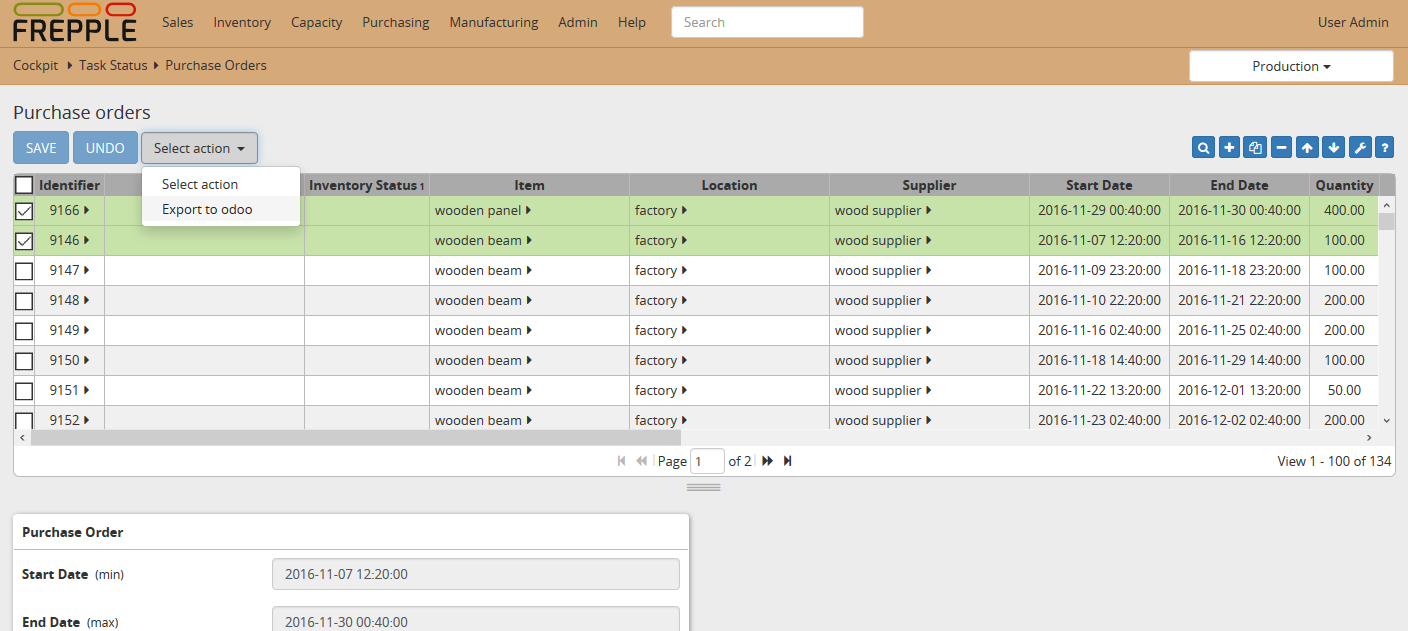
In practice we have seen that implementation projects have different requirements, and this command very often needs to be customized. - An incremental export from the frePPLe user interface for individual purchase, manufacturing and distribution orders.We no longer recommend this option. Sending the recommendations as part of the plan generation provides an odoo-native user workflow to work with recommended purchase orders and manufacturing orders.Users select a number of proposed transactions, and click the “export to odoo” button. This immediately creates the matching transaction in odoo.A typical usage is to automatically export the proposed purchase for cheap or fast moving items, and let the planner review and approve the proposed plan in frePPLe for expensive or slow moving items.