

Quoting in Odoo
Starting from Odoo 17, the connectors also allow the planner to use the frePPLe quoting module from Odoo.
To activate this functionality for an Odoo user, this user needs to be part of the frePPLe quoting user group.
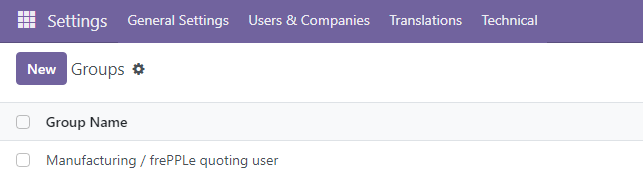
- The quoting capabilities brought by the connectors offer 2 distinct possibilities:
Addtion of a quote button at the bottom of the other info tab of the quotations in the sales app.
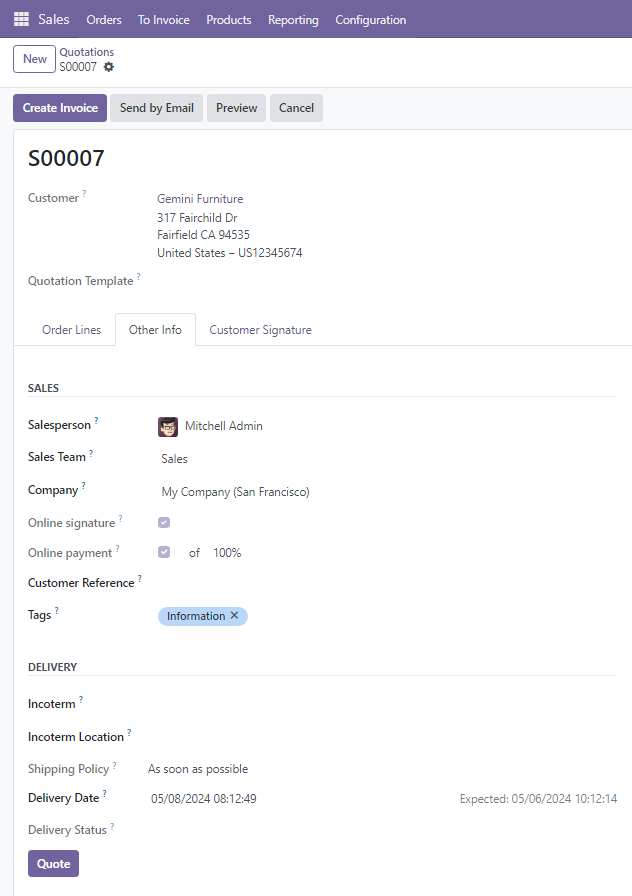
If the Delivery Date field is empty, clicking on the Quote button will fill this field with the first possible date to deliver this quotation.
If the Delivery Date field contains a date, clicking on the Quote button will check if it is possible to deliver the quotation at the delivery date. If it is possible, the Delivery Date remains unchanged. If it is not possible, the delivery date is updated with the new date (that can only be later than the old one).
Note that, if the quotation contains multiple lines, the proposed delivery date will be the latest of all the lines.
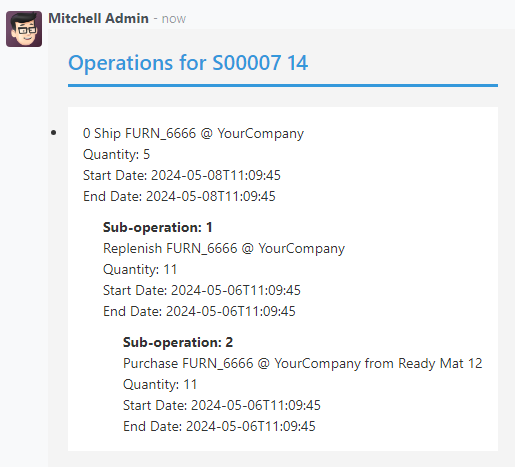
In the message section, planning information is added for each quotation line:
Addtion of a FrePPLe Quotes view accesible with a menu.
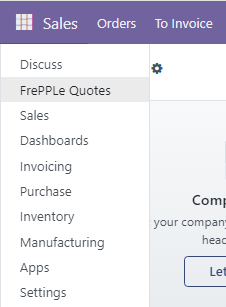
The frePPLe Quotes screen allows the planner to get in a matter of seconds a promised date for a product.
The planner needs to fill the quote information (product, quantity, warehouse…) and hit the quote button.
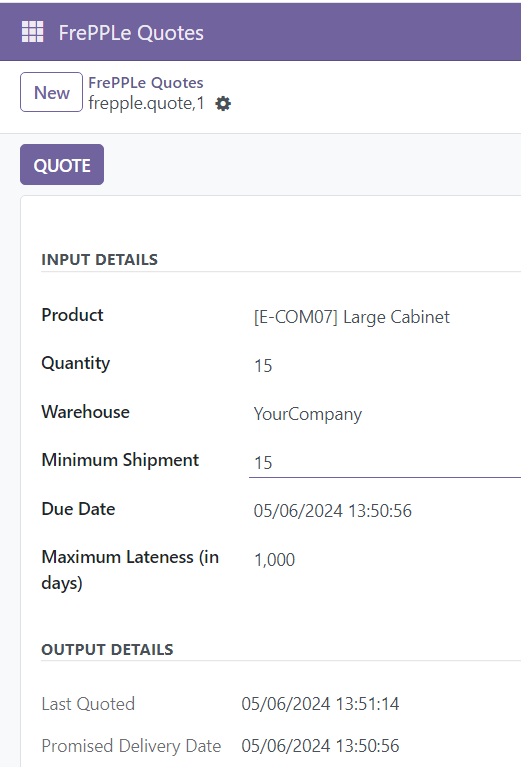
From the main screen of the Frepple Quotes, a bulk quote action is also available to allow the planner to compute a promised date for multiple lines at a time.